
打开pages.json文件
输入"navigationStyle": "custom"代码
{
  "pages": [{
    "path": "pages/index/index",
    "style": {
      "navigationBarTitleText": "首页"
      "navigationStyle": "custom"
      }
    }
  ]
}
打开index.vue文件
1、在template标签里输入以下代码:
<view class="custom-navbar" :style="{
  height: navBarHeight + 'px',
  paddingTop: statusBarHeight + 'px'
}">
  <img src="../../static/images/rili.png" @click="open" class="nav-icon" />
  <view class="nav-title">ལོ་ཐོ་</view>
</view>
2、在script标签里输入以下代码:
export default {
  data() {
    return {
      navBarHeight: 0,
      statusBarHeight: 0
    }
  },
  onLoad() {
    this.calcNavBarHeight();
  },
  methods: {
    calcNavBarHeight(){
      const systemInfo = wx.getSystemInfoSync();
      const menuButtonInfo = wx.getMenuButtonBoundingClientRect();
      const statusBarHeight = systemInfo.statusBarHeight; // 状态栏高度
      const menuButtonHeight = menuButtonInfo.height;     // 胶囊按钮高度
      const menuButtonTop = menuButtonInfo.top;           // 胶囊按钮顶部距离
      const navBarHeight = (menuButtonTop - statusBarHeight) * 2 + menuButtonHeight + statusBarHeight;
      this.navBarHeight = navBarHeight - 15
      this.statusBarHeight = statusBarHeight + 2
    }
  }
}
3、在style lang="scss"标签里输入以下代码:
.custom-navbar{
  position: fixed;
  top: 0;
  left: 0;
  right: 0;
  height: var(--nav-height);
  background-color: #fff;
  z-index: 999;
  display: flex;
  align-items: center;
  padding-top: var(--status-bar-height);
  z-index: 99999;
  .nav-title {
    flex: 1;
    text-align: center;
    font-size: 17px;
    color: #000000;
    font-weight: 500;
  }
  img{
      position: absolute;
      left: 10px;
      width: 20px;
      height: 20px;
      background-size: 100%;
  }
}
uCharts跨平台图表库官网使用入口,专为UniApp/UniAppX生态打造的轻量级跨平台图表库
微信小程序官方模版使用入口,快速搭建合规/稳定/体验统一的小程序
Lin UI官网使用入口,基于微信小程序原生语法 实现的组件库
标签: hbuilder开发, 微信小程序
上面是“hbuilder微信小程序自定义头部导航栏navigationStyle”的全面内容,想了解更多关于 前端知识 内容,请继续关注web建站教程。
当前网址:https://m.ipkd.cn/webs_31547.html
声明:本站提供的所有资源部分来自互联网,如果有侵犯您的版权或其他权益,请发送到邮箱:admin@ipkd.cn,我们会在看到邮件的第一时间内为您处理!

 网站优化和排名的日常工作有哪些?
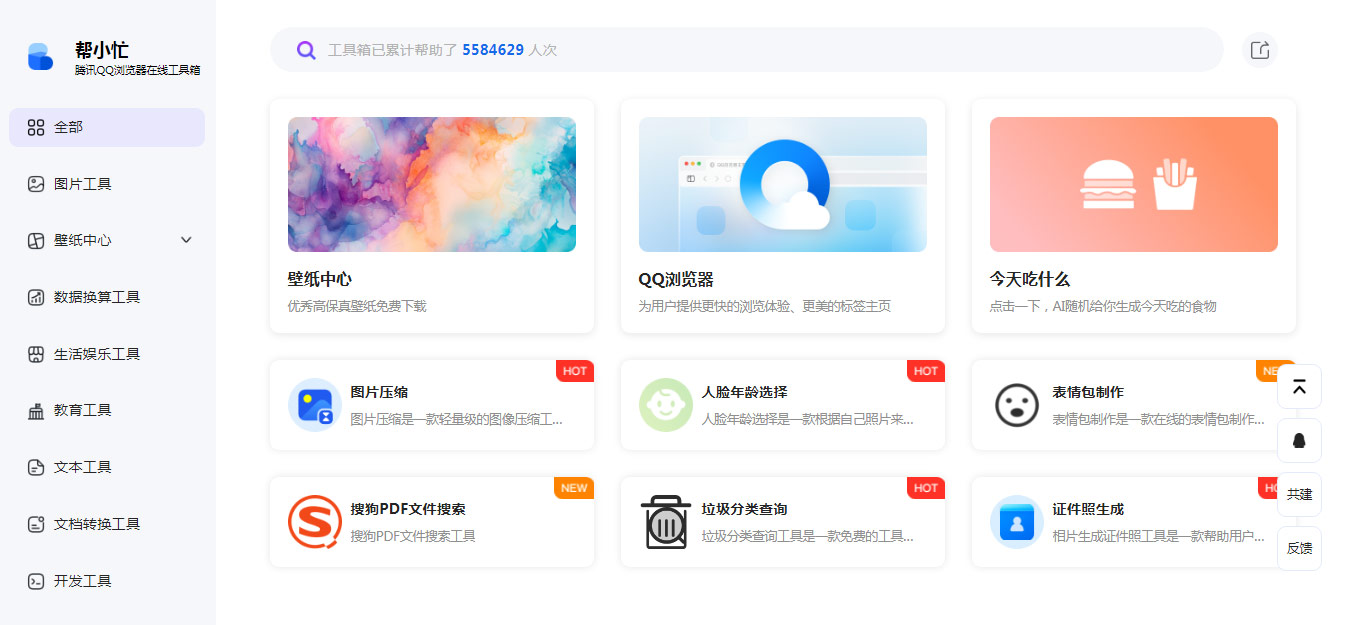 腾讯出品的免费实用在线小工具——帮小忙
 VO4 AI Video Art:VO4 Pro赋能的专业级AI视频生成工具
 Actio Ui 7b Rlvr GGUF:Uniphore官方发布的70亿参数GUI自动化视觉语言模型
 智谱清言浏览器插件下载地址及安装教程
 雷神加速器
雷神加速器